Yes, AI tools can significantly assist HR and people teams in writing clear, kind performance-review summaries by drafting initial versions, refining language for tone and clarity, and ensuring all key points are covered. They help create empathetic, actionable feedback, saving time while improving consistency and quality.
Key takeaways
- AI drafts save significant time but always require human oversight for nuance and accuracy.
- Use AI to actively check for jargon, simplify complex phrasing, and ensure language is accessible and clear.
- Prompt AI to focus on constructive feedback and future growth opportunities, not just past performance metrics.
- Critically review all AI outputs for unintended bias or overly generic statements before finalising any summary.
From raw notes to finished draft
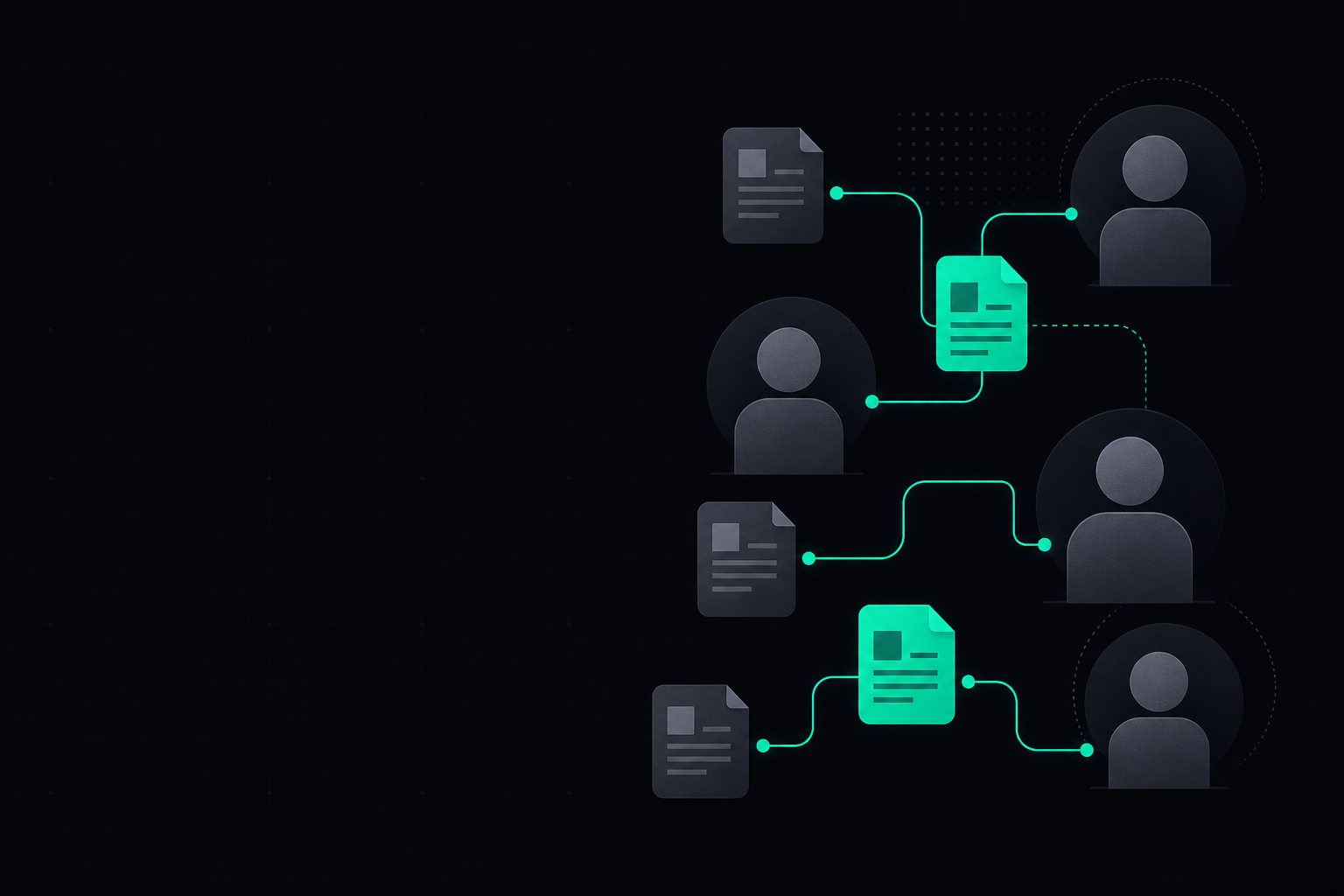
This flow illustrates how AI can integrate into the performance review summary writing process, moving from initial data to a polished draft.
Watch: a 2-minute intro
From the ChatGPT vs Claude vs Gemini vs Perplexity course on AI Bytes Learning.
A worked example
You are an HR professional drafting a performance review summary.
Please write a clear, kind, and constructive performance review summary for [Employee Name].
Focus on their contributions and areas for growth over the last [period, e.g., 12 months].
Key achievements:
- [Achievement 1]
- [Achievement 2]
Areas for development:
- [Development Area 1]
- [Development Area 2]
Manager's specific feedback: [e.g., 'needs to improve proactive communication with stakeholders', 'excellent at problem-solving under pressure']
Ensure the tone is empathetic, encourages growth, and avoids jargon. Limit to 200 words.
Always review the AI's output for accuracy, specific examples, and to ensure it genuinely reflects the employee's unique context and the organisation's values.
Which tool for which part of the job
| Task | Best suited AI tool(s) | Why |
|---|---|---|
| Drafting initial summary | ChatGPT, Claude, Gemini | Excellent at generating structured text from bullet points and specific instructions. |
| Refining tone and language | Claude, ChatGPT | Strong capabilities for nuanced language adjustments, ensuring a kind and professional voice. |
| Checking for clarity and jargon | ChatGPT, Gemini | Can quickly identify complex phrasing and suggest simpler, more accessible alternatives. |
| Summarising long notes/feedback | NotebookLM, Perplexity | Designed for processing and summarising extensive documents, notes, or web content efficiently. |
| Ensuring consistency across reviews | ChatGPT, Claude | Can apply specific style guides or templates consistently across multiple summaries. |
Step by step
Follow these steps to effectively use AI in drafting clear and kind performance review summaries, ensuring a balanced and empathetic outcome.
- 1Gather all relevant performance data, notes, and specific feedback for the employee from various sources.
- 2Outline the employee's key achievements and identified areas for development as concise bullet points.
- 3Select an AI tool (e.g., ChatGPT, Claude) and craft a detailed prompt, including tone, desired length, and specific instructions.
- 4Input your structured prompt and initial data into the chosen AI tool to generate a first draft of the summary.
- 5Critically review the AI-generated summary for accuracy, appropriate tone, specificity, and alignment with company values.
- 6Edit the draft extensively, adding personal touches, specific anecdotes, and ensuring it genuinely reflects the employee's unique context.
- 7Share the refined summary with the manager for their final review, feedback, and ultimate approval before formal delivery.
What does AI get wrong in performance review summaries?
AI is a powerful drafting tool, but it lacks genuine human understanding and empathy. When generating performance review summaries, it often produces text that can feel generic, overly formal, or even cold. It cannot grasp the subtle nuances of interpersonal dynamics, specific project challenges, or an individual's personal growth journey in the same way a human manager or HR professional can.
Another common pitfall is the risk of perpetuating biases present in the input data. If initial notes or past reviews contain biased language, AI might inadvertently amplify this. Furthermore, AI cannot verify facts or provide truly original insights; it only processes the information it's given. Therefore, the output must always be seen as a starting point, requiring careful human review and customisation to ensure it's truly clear, kind, and accurate for the individual.
AI drafts save significant time but always require human oversight for nuance and accuracy.
How to ensure kindness and clarity in AI-generated drafts
To ensure AI-generated summaries are both kind and clear, your prompts are crucial. Explicitly instruct the AI to use an empathetic, supportive, and constructive tone. For example, include phrases like "Maintain a supportive and encouraging tone" or "Focus on growth opportunities rather than past failures." You should also specify that the language should be simple and free of jargon, accessible to everyone.
Beyond tone, clarity comes from specificity. Provide the AI with as many concrete examples and data points as possible from the employee's performance. Ask the AI to suggest actionable next steps rather than vague statements about development. After generation, critically review for any ambiguous phrasing or overly corporate language. Don't hesitate to ask the AI for revisions, such as "Rephrase this paragraph to sound more encouraging" or "Can you make the feedback on [specific area] more actionable?"
Integrating AI into your existing HR workflow
Integrating AI into your HR workflow for performance reviews should be about augmentation, not replacement. Start by identifying specific stages where AI can offer the most value, such as the initial drafting phase or language refinement. HR teams can continue to gather comprehensive qualitative and quantitative data, which then serves as the high-quality input for AI tools. This ensures the human element of observation and understanding remains central.
Once an AI-generated draft is produced, it moves into a critical human review phase. This is where HR professionals and managers inject the necessary empathy, specific examples, and personalised context that only a human can provide. The AI assists in creating a structured, grammatically correct foundation, freeing up valuable time for HR teams to focus on the truly human aspects of feedback delivery and employee development. This balanced approach ensures efficiency without sacrificing the personal touch.
Frequently asked questions
Can AI eliminate bias in performance reviews?▾
No, AI cannot eliminate bias entirely, but it can help identify and mitigate it if prompted correctly. If the input data contains inherent biases, the AI may reflect them. Rigorous human review is always essential to ensure fairness and equity in performance feedback.
Which AI tool is best for this specific task?▾
ChatGPT, Claude, and Gemini are generally excellent for drafting and refining text due to their strong language generation capabilities and ability to follow nuanced instructions. NotebookLM and Perplexity are better suited for summarising extensive source material if you have many detailed notes to process.
How much time can AI save HR teams on performance reviews?▾
AI can significantly reduce the initial drafting time by generating structured summaries from your notes and bullet points. While exact savings vary, it's common for the initial writing phase to be cut by 30-50%, allowing HR professionals to focus more on refinement and personalisation.
Is it safe to put sensitive employee data into AI tools?▾
Caution is paramount when handling sensitive employee data. Always use enterprise-level AI tools or platforms with robust data privacy agreements and strong security measures. Avoid pasting highly sensitive, personally identifiable information into public AI models like free versions of ChatGPT unless explicitly permitted by your organisation's data governance policies.
Can AI help with different performance review styles, such as 360-degree feedback?▾
Yes, AI can effectively process and summarise various forms of feedback, including complex 360-degree input, by identifying common themes and contrasting viewpoints. You can prompt it to synthesise feedback from multiple sources into a coherent, structured summary, saving considerable manual effort.
What if the AI output sounds too robotic or generic?▾
This is a common issue with AI-generated text. Refine your prompt by explicitly asking for a more natural, conversational, or specific tone. Provide examples of the desired style or instruct the AI to "inject more personality" or "be more direct with actionable advice." Human editing is always the crucial final step to ensure authenticity.
ChatGPT vs Claude vs Gemini vs Perplexity
ChatGPT, Claude, Gemini, and Perplexity each do different things well. This short course shows you what sets them apart, where each one falls short, and how to pick the right tool for the job — so you stop guessing and start getting better results. [gemma]
Start learningPut this into practice
15 minutes a day. Real AI skills for your job. Free to start.
Get started freeStay Ahead of AI in 15 Minutes a Day
The AI news that actually matters for your work — explained in plain English, with the skill to learn alongside it. Straight to your inbox.
No spam, unsubscribe anytime. We respect your privacy.