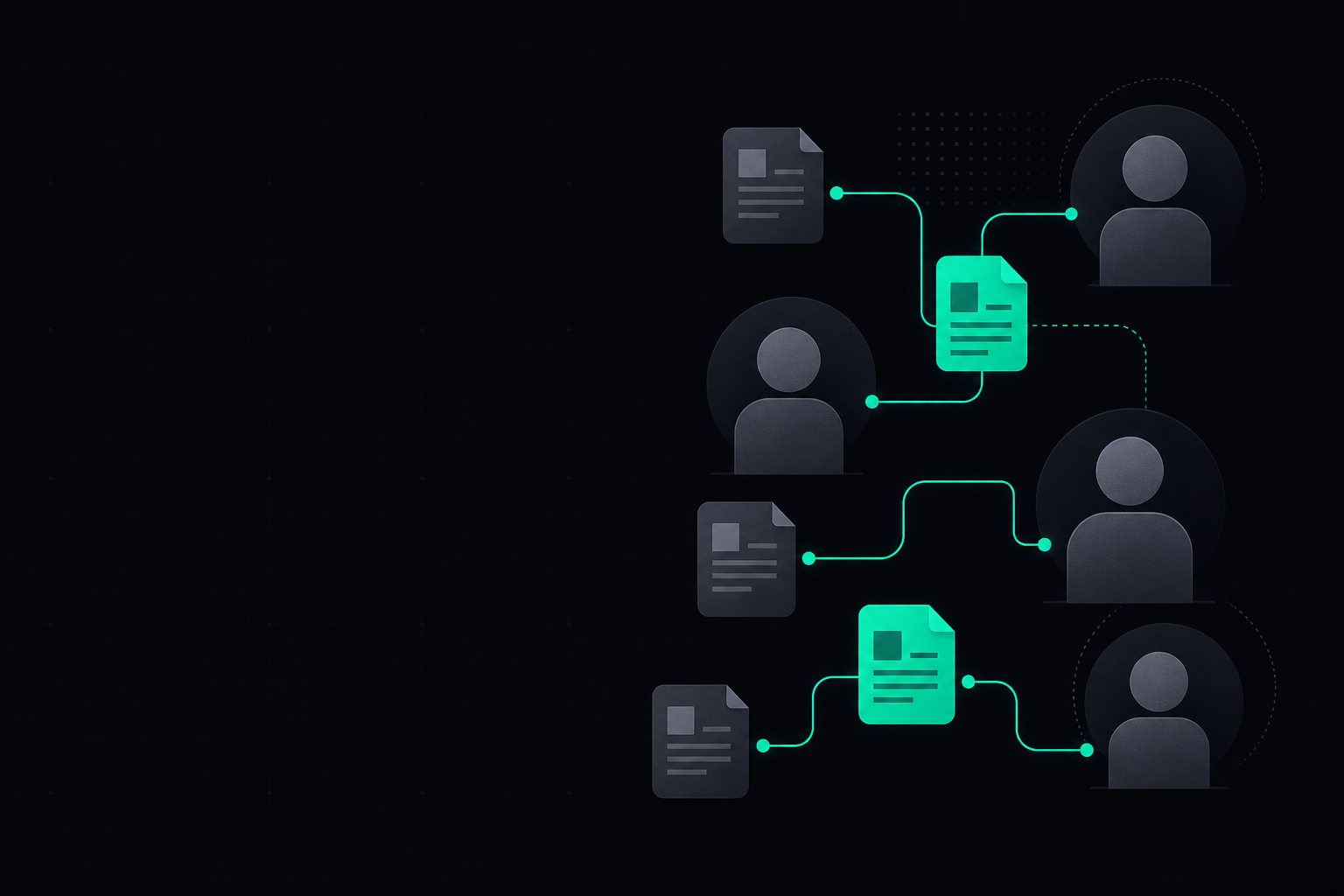
HR and people teams can use AI tools like ChatGPT or Claude to generate structured onboarding plans by inputting company values, role specifics, and desired outcomes. AI helps to draft comprehensive schedules, identify key resources, and suggest personalised learning paths, significantly streamlining the plan creation process for new starters.
Key takeaways
- AI can rapidly draft bespoke onboarding schedules by integrating company culture and specific role requirements.
- Use AI to identify essential resources, learning modules, and key contacts for a new starter's first few weeks.
- Ensure AI-generated plans are reviewed and customised by human HR professionals to maintain a personal touch and accuracy.
- Leverage conversational AI for iterative refinement of onboarding content, adapting it to different departments or roles.
From Outline to Onboarding Plan
This flow illustrates how AI transforms initial inputs into a comprehensive, structured onboarding plan for a new starter.
Watch: a 2-minute intro
From the ChatGPT vs Claude vs Gemini vs Perplexity course on AI Bytes Learning.
A worked example
As an HR expert, create a structured 90-day onboarding plan for a new [Job Title] joining [Company Name].
The plan should include:
- Week-by-week activities for the first month.
- Key learning objectives for the first 30, 60, and 90 days.
- Essential contacts and their roles.
- Company culture integration points.
- Check-in points with manager and HR.
Consider our company values: [List 3-5 company values, e.g., Innovation, Collaboration, Customer Focus].
The new starter will report to [Manager's Name/Title] in the [Department Name] department.
Review the generated plan with the hiring manager and relevant team members to ensure accuracy and cultural fit, adding specific project details.
Choosing the Right AI Tool for Onboarding Plan Creation
| Task | ChatGPT / Claude / Gemini | Microsoft Copilot | NotebookLM / Perplexity |
|---|---|---|---|
| Initial Plan Drafting | Excellent for generating comprehensive first drafts and content ideas based on detailed prompts. | Integrates with Microsoft 365 data (documents, emails) for highly contextualised plans. | Good for researching best practices or industry standards for onboarding specific roles. |
| Content Customisation | Strong for iterating on sections, rewriting for tone, or expanding on specific activities. | Can pull existing company policies or training materials from internal documents to embed directly. | Useful for quickly finding examples of successful onboarding strategies from external sources. |
| Brainstorming Activities | Generates creative and varied activity suggestions for different stages of onboarding. | Can suggest activities based on team calendars or project timelines within your M365 environment. | Helps discover novel and engaging onboarding activities used by other leading companies. |
| Summarising Resources | Efficiently summarises long documents (e.g., employee handbook sections) into concise onboarding snippets. | Can summarise internal meeting notes or project briefs to inform role-specific learning. | Excellent for quickly grasping key information from multiple external articles or guides. |
Step by step
Follow these steps to effectively use AI in building a structured onboarding plan for a new starter.
- 1Gather all relevant information including the job description, company values, team structure, existing onboarding materials, and the new starter's specific role requirements.
- 2Choose a conversational AI tool like ChatGPT, Claude, or Gemini, and craft a detailed prompt outlining the desired plan structure, duration, and key elements to include.
- 3Input your prompt, including placeholders for specific details like the job title, department, manager, and any unique company culture points.
- 4Review the AI-generated draft critically, checking for relevance, completeness, and alignment with your company's specific needs and tone.
- 5Refine and personalise the plan by adding specific project tasks, team-specific training, and opportunities for social integration that AI might not know.
- 6Incorporate feedback from the hiring manager and other relevant stakeholders to ensure the plan is practical and fully supports the new starter's success.
- 7Finalise the plan and integrate it into your HR system or communication platform, ensuring it is easily accessible to the new starter and their manager.
How Can AI Elevate Personalisation in Onboarding?
Artificial intelligence offers a significant advantage in moving beyond generic onboarding checklists to truly personalised experiences. By feeding an AI tool like ChatGPT or Claude details about a new starter's role, department, previous experience, and even learning style preferences (if known), HR teams can generate highly tailored plans. This means the AI can suggest specific training modules, relevant internal projects, or introductions to colleagues based on the individual's anticipated contribution and growth path. Instead of a one-size-fits-all approach, AI helps design a journey that feels bespoke, making the new employee feel valued and understood from day one.
Moreover, AI can help HR teams identify potential gaps in existing onboarding materials. For example, if a new starter's role requires expertise in a niche software, AI can quickly suggest existing internal documentation or even external learning resources. This dynamic content generation ensures the plan is always up-to-date and relevant, adapting as roles evolve or as new resources become available. The goal is to provide a rich, targeted experience that accelerates productivity and fosters a deeper connection to the company culture, all with less manual effort from the HR team.
AI can rapidly draft bespoke onboarding schedules by integrating company culture and specific role requirements.
What are the Benefits for HR and People Teams?
For HR and people teams, leveraging AI to build structured onboarding plans translates into substantial time savings and increased efficiency. Manually crafting detailed, role-specific plans for every new hire is a time-consuming process. AI automates the initial drafting phase, freeing up HR professionals to focus on more strategic tasks such as one-on-one check-ins, culture integration, and addressing individual new starter needs. This efficiency gain is particularly valuable in organisations with high recruitment volumes or diverse roles.
Beyond efficiency, AI also helps ensure consistency and quality across all onboarding experiences. By using predefined templates and company information, AI tools can help maintain a baseline standard for all plans, ensuring no critical steps are missed. This consistency is crucial for compliance and for providing an equitable experience to all new employees. Furthermore, the ability to quickly adapt and update plans means HR teams can be more agile in response to organisational changes or feedback, leading to continuously improved onboarding journeys. This ultimately contributes to higher new starter satisfaction and retention rates, a key metric for any people team.
How to Maintain a Human Touch with AI-Assisted Onboarding
While AI excels at generating structure and content, the human element remains irreplaceable in onboarding. AI Bytes Learning emphasises that the most effective approach combines AI's efficiency with human empathy and judgment. HR professionals should view AI as a powerful assistant, not a replacement for personal interaction. After an AI tool generates a draft plan, it is crucial for HR and the hiring manager to review, personalise, and inject the human touch. This includes scheduling personal introductions, arranging mentor relationships, and planning informal social activities that AI cannot orchestrate.
The human touch also extends to feedback and adaptation. AI can suggest a framework, but only human interaction can gauge a new starter's emotional state, answer nuanced questions, or provide real-time support. Encourage managers to have regular, empathetic check-ins, and HR to facilitate open communication channels. By using AI for the heavy lifting of content generation, HR teams gain more capacity to focus on the qualitative aspects of onboarding, ensuring new employees feel genuinely welcomed, supported, and integrated into the company culture.
Frequently asked questions
Can AI help with onboarding for very niche or specialised roles?▾
Yes, AI can assist significantly even with niche roles. By providing the AI tool with detailed job descriptions, technical requirements, and specific project contexts, it can generate relevant learning paths and resource suggestions. However, human subject matter experts will still need to review and augment the plan with highly specific, internal knowledge.
What kind of data do I need to provide AI for an effective onboarding plan?▾
To create an effective plan, you should provide the AI with the new starter's job title, department, manager's name, key responsibilities, company values, existing onboarding policies, and any critical software or tools they'll need to learn. The more context you provide, the more tailored the output will be.
Is it safe to put sensitive employee data into AI tools for onboarding?▾
It is generally not recommended to input sensitive personal employee data (like home addresses or national insurance numbers) directly into public AI tools. Focus on role-specific and company-wide information. For more sensitive internal data, consider using enterprise-level AI solutions like Microsoft Copilot which operate within your secure organisational environment.
How can AI help with compliance and policy integration in onboarding?▾
AI can help by summarising key compliance documents and company policies into digestible formats suitable for onboarding. You can prompt AI to extract essential points from an employee handbook or health and safety guidelines, ensuring new starters are introduced to critical information systematically and clearly.
Can AI generate onboarding plans in different languages?▾
Yes, most modern AI tools are highly capable of generating content in multiple languages. You can specify the desired language in your prompt, making it easier to create inclusive onboarding experiences for international hires or teams in different regions.
How often should I update the AI-generated onboarding plan?▾
While the AI provides a strong foundation, onboarding plans should be living documents. Review and update them regularly, ideally quarterly or whenever there are significant changes to roles, company policies, or team structures. AI can assist in quickly drafting these updates based on new inputs.
ChatGPT vs Claude vs Gemini vs Perplexity
ChatGPT, Claude, Gemini, and Perplexity each do different things well. This short course shows you what sets them apart, where each one falls short, and how to pick the right tool for the job — so you stop guessing and start getting better results. [gemma]
Start learningPut this into practice
15 minutes a day. Real AI skills for your job. Free to start.
Get started freeStay Ahead of AI in 15 Minutes a Day
The AI news that actually matters for your work — explained in plain English, with the skill to learn alongside it. Straight to your inbox.
No spam, unsubscribe anytime. We respect your privacy.