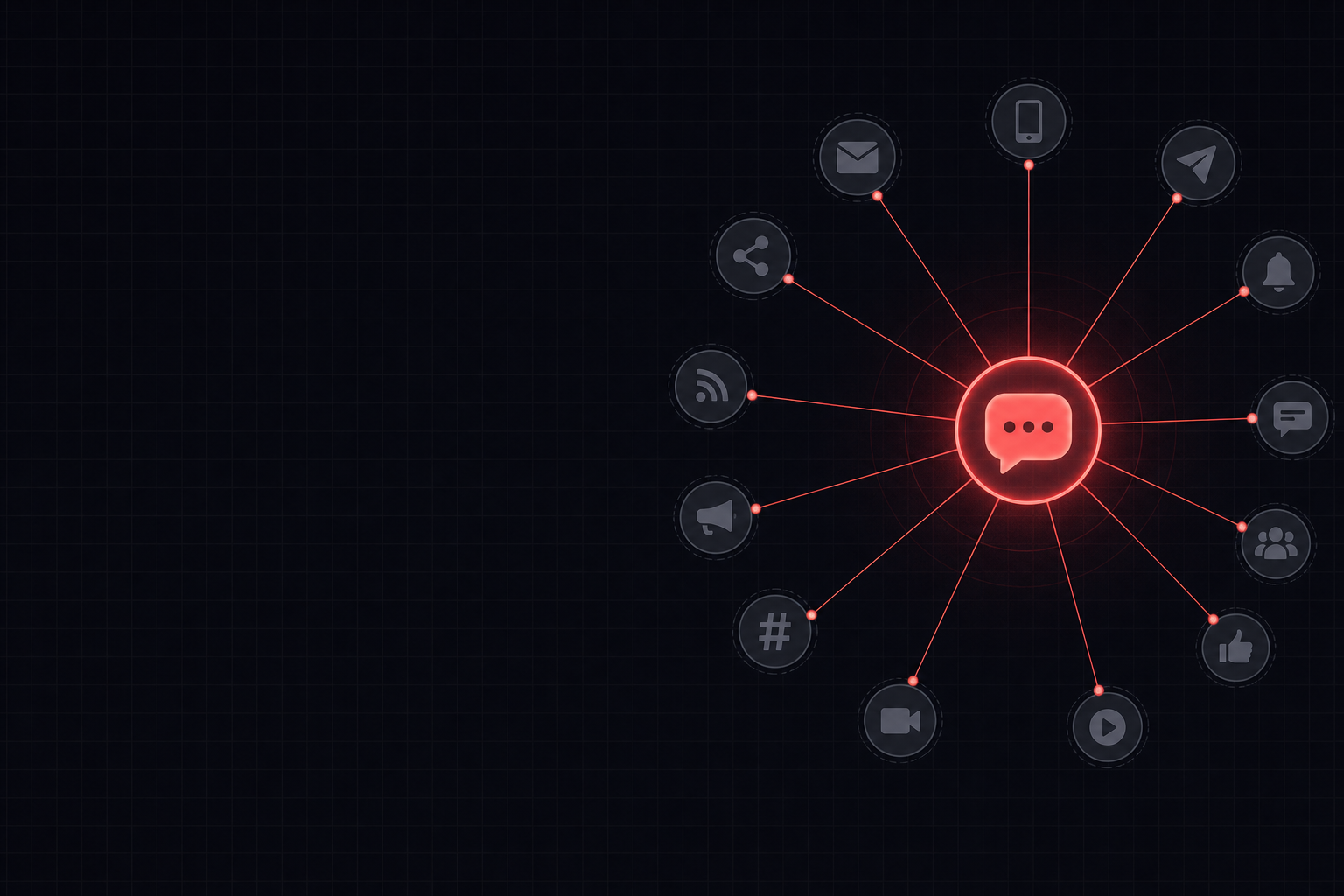
Marketing managers can use AI by first summarising a blog post, then extracting key themes and repurposing these into varied social media captions across different platforms. Tools like ChatGPT or Claude can help draft a month's worth of content, ensuring diverse messaging and calls to action from a single source.
Key takeaways
- Begin by having AI summarise the blog post and identify its core message and key takeaways before generating captions.
- Tailor prompts to specify platform requirements (e.g., LinkedIn, X, Instagram) and desired tone for each caption set.
- Instruct the AI to generate a mix of caption types, including questions, tips, statistics, and calls to action, to maintain audience engagement.
- Always review and refine AI-generated captions for brand voice, accuracy, and UK cultural nuances before scheduling.
Blog Post to Social Captions Workflow
This flow illustrates the process of transforming a single blog post into a month's worth of social media captions using AI.
Watch: a 2-minute intro
From the AI Business Strategy course on AI Bytes Learning.
A worked example
You are a social media manager for a UK B2B tech company.
I need a month's worth of social media captions based on the following blog post.
The captions should be suitable for LinkedIn, X (formerly Twitter), and Instagram.
Please provide 4 distinct captions for each platform, covering different angles and including a call to action where appropriate.
Vary the tone slightly but keep it professional and engaging.
Blog Post: [Paste your blog post content here]
Target audience: [e.g., Small business owners, IT professionals]
Always review the generated captions for accuracy, brand voice consistency, and ensure all links and hashtags are relevant before publishing.
Comparing AI Tools for Social Caption Generation
| Task Stage | Best for Summarisation & Extraction | Best for Diverse Caption Generation | Best for Fact-Checking & Nuance |
|---|---|---|---|
| Initial Blog Post Analysis | ChatGPT, Claude, Gemini | ChatGPT, Claude | Perplexity, NotebookLM |
| Drafting Core Captions | ChatGPT, Claude, Gemini | ChatGPT, Claude | Microsoft Copilot |
| Generating Platform-Specific Variations | ChatGPT, Claude | ChatGPT, Gemini | N/A (user review needed) |
| Ensuring Brand Voice & Tone | ChatGPT (with examples) | Claude (with detailed instructions) | N/A (user review needed) |
| Iterating & Refining | ChatGPT, Claude | ChatGPT, Gemini | N/A (user review needed) |
Step by step
Follow these steps to efficiently generate a month's worth of social media captions from a single blog post using AI.
- 1Gather your blog post content and identify its core message, target audience, and key takeaways you want to highlight.
- 2Choose an AI tool like ChatGPT or Claude and paste your blog post, asking it to summarise the main points and suggest 5-7 distinct themes or angles.
- 3Prompt the AI to generate a specified number of captions (e.g., 4-5 per week for a month) for each desired platform (LinkedIn, X, Instagram), specifying tone, length, and including relevant hashtags and calls to action.
- 4Review the initial AI output, checking for accuracy, brand voice consistency, and whether the captions genuinely reflect the blog post's content.
- 5Iterate by asking the AI to refine specific captions, generate more variations, or adjust the tone if needed, providing concrete examples or instructions.
- 6Organise the approved captions into a content calendar, adding relevant images or videos, and schedule them for publication.
Why Repurposing Blog Content with AI is a Game-Changer
For marketing managers, the challenge of consistently feeding multiple social media channels with fresh, engaging content can be daunting. A well-crafted blog post represents a significant investment of time and resources, yet its potential is often underutilised beyond its initial publication. This is where AI excels, offering a streamlined solution to repurpose long-form content into a diverse array of social media captions.
By leveraging AI tools, you can extract the essence of a blog post, breaking it down into bite-sized, platform-optimised messages. This not only extends the lifecycle of your valuable content but also ensures a consistent brand presence across all digital touchpoints. Instead of manually brainstorming 20-30 unique captions, AI can generate a varied selection in minutes, freeing up your team to focus on strategy and engagement rather than repetitive drafting.
Begin by having AI summarise the blog post and identify its core message and key takeaways before generating captions.
Crafting Effective Prompts for Diverse Captions
The key to generating high-quality, varied social media captions lies in the specificity and structure of your prompts. Simply asking an AI to "write captions" will yield generic results. Instead, treat the AI as a junior copywriter who needs clear instructions. Begin by providing the full blog post content, then specify the number of captions required, the target platforms (e.g., LinkedIn, X, Instagram), and the desired tone (e.g., professional, witty, informative).
Crucially, instruct the AI to vary the caption types. Ask for captions that pose questions, offer quick tips, highlight statistics, share quotes, or include a strong call to action. For instance, you might request: "Generate 5 LinkedIn captions: one question, two tips, one statistic highlight, and one with a clear call to action to read the full article." This level of detail guides the AI to produce a diverse set of options, preventing repetition and ensuring broader appeal to your audience.
Reviewing and Refining AI-Generated Content
While AI is powerful, it is a tool, not a replacement for human oversight. Every AI-generated caption must undergo a thorough review before publication. Check for factual accuracy, ensuring any statistics or claims align perfectly with your blog post. Verify that the brand voice and tone are consistent and appropriate for your audience and the specific platform. AI might occasionally generate content that sounds slightly robotic or misses subtle cultural nuances, especially in UK English contexts.
Pay close attention to calls to action, ensuring they are clear and direct. Also, examine the hashtags – are they relevant, popular, and aligned with your brand strategy? Don't hesitate to edit, rephrase, or completely discard captions that don't meet your standards. Use the AI's output as a strong first draft, then apply your marketing expertise to polish it into a compelling final piece. This human-AI collaboration ensures both efficiency and quality.
Frequently asked questions
Can AI really generate a whole month of unique captions from one blog post?▾
Yes, AI can generate a significant volume of unique caption ideas. By providing detailed prompts that ask for variations in tone, angle, and call to action across different platforms, you can easily produce enough content to cover a month. The key is to guide the AI with specific instructions.
Which AI tool is best for this specific task?▾
Tools like ChatGPT and Claude are highly effective for this task due to their strong natural language generation capabilities. They can summarise content well and generate diverse creative outputs. Gemini also performs strongly in creative text generation.
How do I ensure the captions sound like my brand?▾
To ensure brand consistency, provide the AI with examples of your existing brand voice and preferred tone. You can include snippets of previous successful captions or brand guidelines in your prompt. This gives the AI a reference point for its generation.
What if the AI generates repetitive captions?▾
If captions are repetitive, refine your prompt. Specifically ask the AI to "generate captions from different angles," "focus on a new key takeaway," or "use a different type of call to action." You can also guide it to explore different sections of the original blog post.
Do I still need to fact-check AI-generated content?▾
Absolutely. While AI is advanced, it can sometimes "hallucinate" or present information inaccurately. Always cross-reference any facts, figures, or claims in the AI-generated captions with your original blog post to ensure complete accuracy before publishing.
How can I adapt captions for different social media platforms?▾
In your prompt, explicitly state the platform (e.g., LinkedIn, X, Instagram) and its typical characteristics (e.g., professional for LinkedIn, concise for X, visually driven for Instagram). Ask the AI to tailor length, tone, and use of hashtags or emojis accordingly for each platform.
AI Business Strategy
Unlock the transformative potential of AI in business strategy. This micro-course provides a foundational understanding of AI technologies and their strategic applications, empowering you to make informed decisions and drive innovation within your organization. Learn how to identify key areas where AI can create a competitive advantage, optimize processes, and unlock new revenue streams. Explore real-world case studies and gain practical insights into integrating AI into your business model. This course will equip you with the knowledge and tools to leverage AI for strategic success. Antigravity Value Proposition: Transform your business strategy with the power of AI. Gain a competitive edge, optimize operations, and unlock new opportunities for growth and innovation.
Start learningPut this into practice
15 minutes a day. Real AI skills for your job. Free to start.
Get started freeStay Ahead of AI in 15 Minutes a Day
The AI news that actually matters for your work — explained in plain English, with the skill to learn alongside it. Straight to your inbox.
No spam, unsubscribe anytime. We respect your privacy.