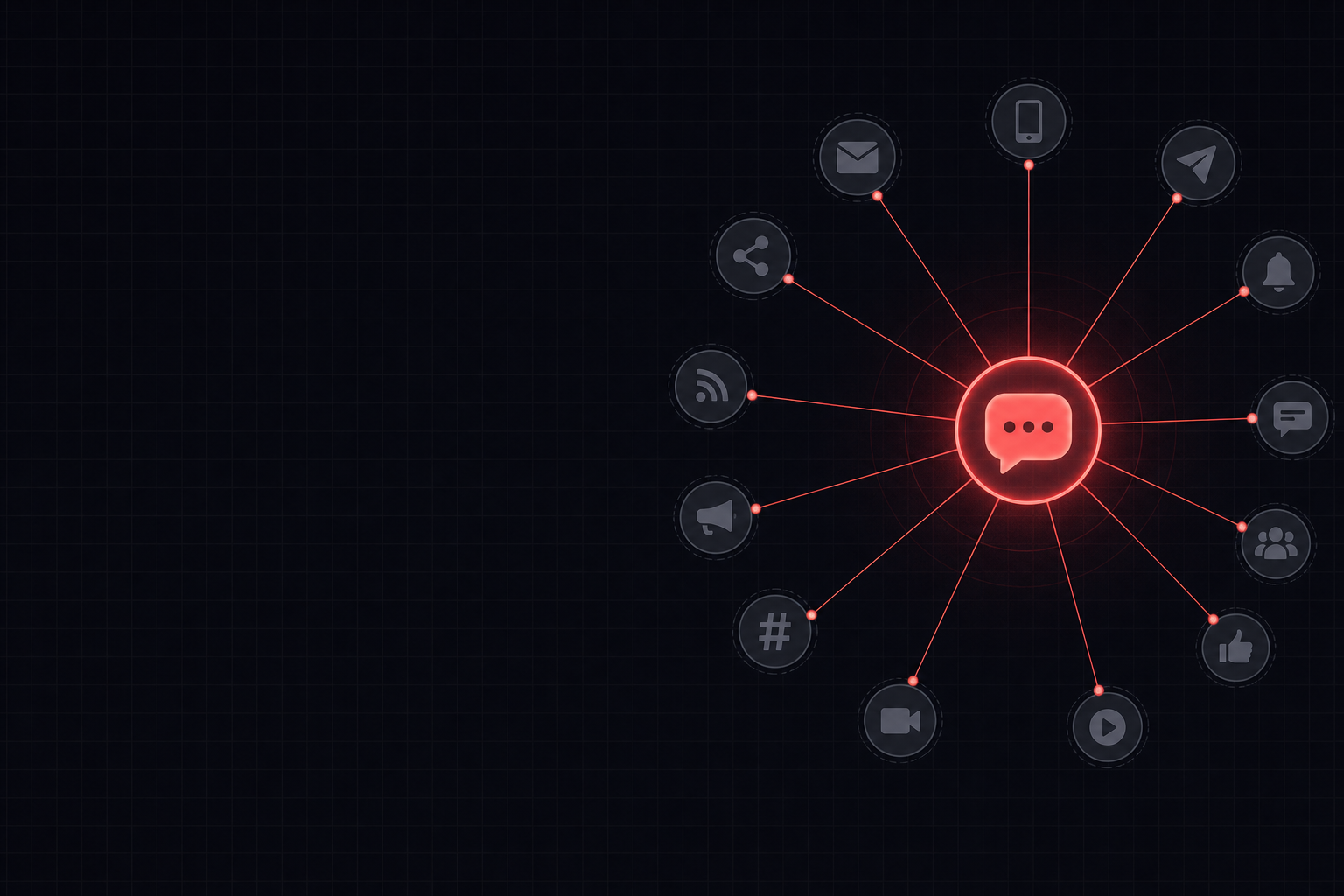
AI tools enable marketing managers to efficiently repurpose webinar content by transcribing, summarising, and restructuring information into various formats. This includes generating blog posts, social media updates, email newsletters, infographic scripts, and short video outlines, significantly reducing manual effort and accelerating content production cycles.
Key takeaways
- AI can transcribe webinar audio accurately, forming the foundation for all subsequent content repurposing.
- Large language models are effective at summarising complex webinar discussions into concise, audience-specific formats.
- Segmenting key topics from a webinar allows for targeted content creation, such as specific social media threads or FAQ sections.
- While AI drafts content quickly, human oversight is crucial for ensuring brand voice, accuracy, and compliance with marketing objectives.
Webinar Content Repurposing Workflow
This flow illustrates how a webinar is processed through AI tools to generate multiple content assets for a marketing campaign.
Watch: a 2-minute intro
From the AI Business Strategy course on AI Bytes Learning.
A worked example
You are a marketing content specialist. Your task is to transform a webinar transcript into a concise blog post aimed at [Target Audience].
The blog post should highlight the [Number] key takeaways from the webinar on [Webinar Topic] and encourage readers to [Call to Action].
Use a [Tone] tone. Ensure the post is approximately [Word Count] words.

Webinar Transcript:
[Paste webinar transcript here]
Always review the AI-generated draft for factual accuracy, brand voice consistency, and appropriate calls to action before publishing.
Choosing the Right AI Tool for Webinar Repurposing
| Task | Best Tool(s) | Why |
|---|---|---|
| Webinar Transcription | Microsoft Copilot (with Teams), Gemini | High accuracy for spoken word, often integrated. |
| Initial Content Summarisation | Claude, ChatGPT, Gemini | Excellent for abstractive summarisation of long texts. |
| Drafting Specific Content Formats | ChatGPT, Claude, Gemini | Highly versatile for generating varied content types and tones. |
| Research & Fact-Checking | Perplexity, NotebookLM | Specialise in sourcing and citing information, great for verifying claims. |
| Organising Key Information | NotebookLM | Designed for summarising and organising multiple source documents. |
Step by step
Follow these steps to effectively repurpose your webinar using AI, maximising your content's reach and impact.
- 1Gather your webinar recording, transcript (if available), and any presentation slides or notes.
- 2Use an AI tool like Microsoft Copilot or Gemini to generate a full transcript from the webinar audio, then proofread it for accuracy.
- 3Input the refined transcript into a large language model like Claude or ChatGPT, prompting it to identify key themes and extract actionable insights.
- 4Request the AI to draft the five target content formats: a blog post, social media updates, an email newsletter, an infographic script, and a short video outline, specifying tone and audience for each.
- 5Review each AI-generated draft, editing for brand voice, factual correctness, SEO optimisation, and clarity, adding specific examples where needed.
- 6Utilise tools like Perplexity to cross-reference any statistics or complex claims made in the webinar and ensure accuracy in the new content formats.
- 7Schedule and publish the repurposed content across your chosen platforms, monitoring engagement to inform future content strategy.
Why is a good webinar transcript essential for AI repurposing?
The quality of your initial webinar transcript directly impacts the effectiveness of any AI repurposing efforts. AI models, while powerful, rely on clear and accurate input. A poorly transcribed webinar, full of errors, misheard words, or missing context, will lead to AI-generated content that is similarly flawed and requires extensive manual correction. Investing a little time upfront to ensure your transcript is clean and precise will save significant time and effort in later stages of content creation.
Tools like Microsoft Copilot, integrated within platforms like Microsoft Teams, can generate surprisingly accurate transcripts, but they are not infallible. Always review the AI-generated transcript against the original audio. Correcting speaker attribution, technical jargon, and any ambiguities ensures that the AI has a solid foundation to work from, allowing it to accurately summarise, extract key points, and draft new content formats that genuinely reflect the webinar's message.
AI can transcribe webinar audio accurately, forming the foundation for all subsequent content repurposing.
How can AI help maintain brand voice across different content formats?
Maintaining a consistent brand voice across multiple content formats is a common challenge for marketing teams, but AI can significantly assist. When prompting large language models like ChatGPT or Claude, you can explicitly define your brand's tone, style, and even specific terminology. For example, you might instruct the AI to write in an "authoritative yet approachable tone," or to "avoid jargon where possible" for a general audience, while using more technical language for a specialist one.
To further refine this, provide the AI with examples of your existing marketing materials that embody your desired brand voice. By feeding it a few blog posts, social media captions, or email examples, the AI can learn and emulate that style more effectively. While the AI will generate a strong first draft, a human editor remains crucial for the final polish, ensuring every piece of content perfectly aligns with your brand's unique identity and resonates authentically with your target audience.
What are the five content formats and how does AI assist with each?
Repurposing a webinar into five distinct content formats allows for broader reach and caters to different audience preferences. First, a blog post can be drafted by AI to summarise the webinar's key themes, offering deeper insights than a simple transcript. Second, social media updates (e.g., LinkedIn posts, Twitter threads) can be generated by AI, breaking down key takeaways into bite-sized, engaging snippets suitable for various platforms. Third, an email newsletter can be crafted by AI to highlight the webinar's value and drive traffic to the full recording or a new blog post.
Fourth, an infographic script can be created by AI, extracting statistics, quotes, and a logical flow of information that a designer can then visually represent. Finally, a short video outline (e.g., for YouTube Shorts or TikTok) can be developed by AI, identifying key soundbites and visual cues from the webinar, providing a storyboard for quick, engaging clips. For each format, AI significantly reduces the initial drafting time, allowing marketing managers to focus on strategic refinement and creative direction.
Frequently asked questions
Can AI automatically identify the most engaging parts of a webinar?▾
Yes, advanced AI models can analyse sentiment and identify key discussion points within a transcript. By looking for common phrases, questions, and emotionally charged language, tools can suggest sections most likely to resonate with an audience. However, human review is essential to confirm these suggestions align with your marketing goals.
How do I ensure the AI-generated content avoids plagiarism?▾
AI models generate original text based on patterns learned from vast datasets, not by copying. While the content will be derived from your webinar transcript, the phrasing and structure will be unique. Always review for originality and fact-check, especially if the webinar discussed common knowledge or industry terms.
Is it possible to repurpose a webinar into an interactive quiz using AI?▾
Yes, AI can assist in creating an interactive quiz. You can prompt a tool like ChatGPT or Claude to generate multiple-choice questions, true/false statements, or short answer prompts based on the webinar content. This can be a great way to test audience comprehension and engagement.
What if my webinar contains sensitive or confidential information?▾
Exercise extreme caution when using AI with sensitive or confidential information. Most public AI tools should not be used for such data as your input may become part of their training data. For highly sensitive content, explore enterprise-grade AI solutions with robust data privacy agreements or process the content manually.
Can AI help with translating repurposed webinar content into other languages?▾
Absolutely, AI translation tools are highly capable. Once your five content formats are drafted in English, you can feed them into translation services, often integrated within AI platforms or as standalone tools. Always have a native speaker review the translated content for cultural nuance and accuracy before publishing.
How can I use AI to track the performance of my repurposed content?▾
While AI can generate content, tracking performance typically involves analytics platforms (e.g., Google Analytics, social media insights). However, AI can assist in analysing the data from these platforms. You could feed performance reports into an AI to summarise trends, identify top-performing content formats, or suggest optimisations for future campaigns.
AI Business Strategy
Unlock the transformative potential of AI in business strategy. This micro-course provides a foundational understanding of AI technologies and their strategic applications, empowering you to make informed decisions and drive innovation within your organization. Learn how to identify key areas where AI can create a competitive advantage, optimize processes, and unlock new revenue streams. Explore real-world case studies and gain practical insights into integrating AI into your business model. This course will equip you with the knowledge and tools to leverage AI for strategic success. Antigravity Value Proposition: Transform your business strategy with the power of AI. Gain a competitive edge, optimize operations, and unlock new opportunities for growth and innovation.
Start learningPut this into practice
15 minutes a day. Real AI skills for your job. Free to start.
Get started freeStay Ahead of AI in 15 Minutes a Day
The AI news that actually matters for your work — explained in plain English, with the skill to learn alongside it. Straight to your inbox.
No spam, unsubscribe anytime. We respect your privacy.