Generating Video with Kling
Learn to create short video clips using Kling from a text prompt.
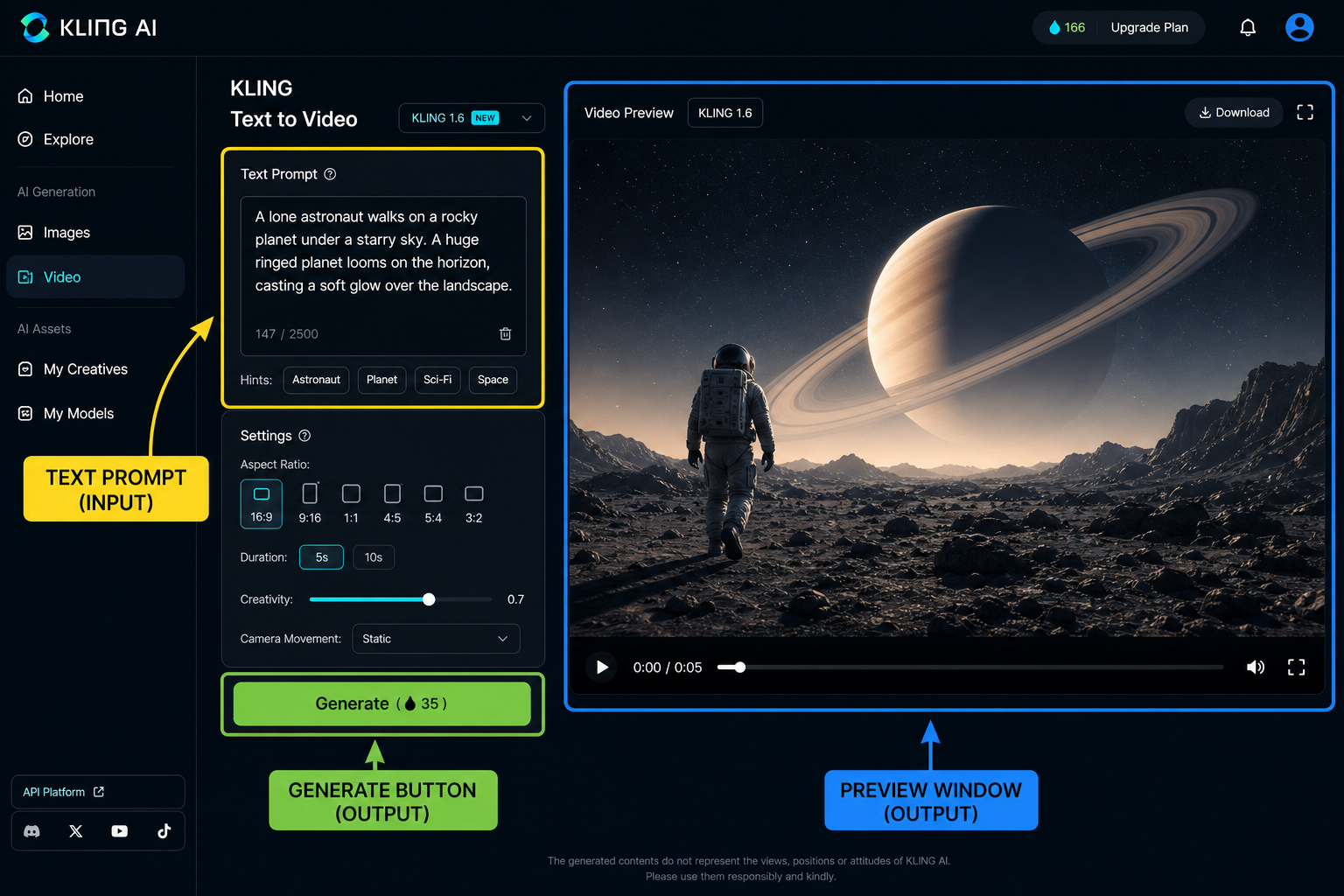
Kling's Generation Process
Kling interprets your text prompt to create a video. The AI analyses the words to understand the scene, objects, and actions you describe.
The system then generates frames that match the prompt. It uses a vast library of visual elements and learned patterns to construct the video.
Finally, Kling stitches the frames together into a coherent video clip. The quality of the result depends on the clarity and specificity of your prompt.
AI video isn't magic; it's understanding the algorithm's expectations.
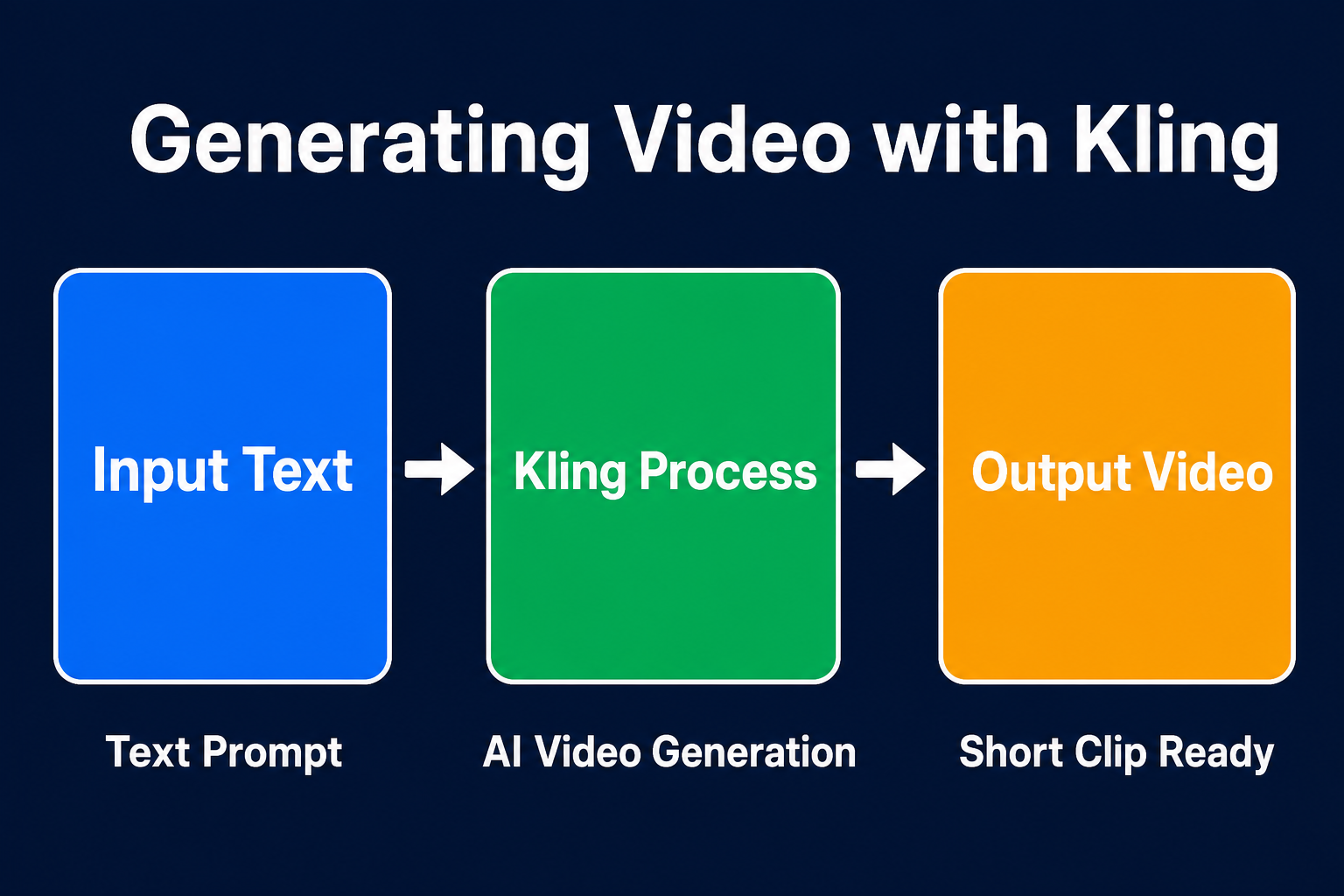
This diagram breaks down the core building blocks of Generating Video with Kling so you can see how each part connects.
This video shows a user generating a short clip with Kling. It highlights the basic workflow.
Kling Interface Demo
A quick demonstration of the Kling interface.
Which prompt will likely produce the best result?
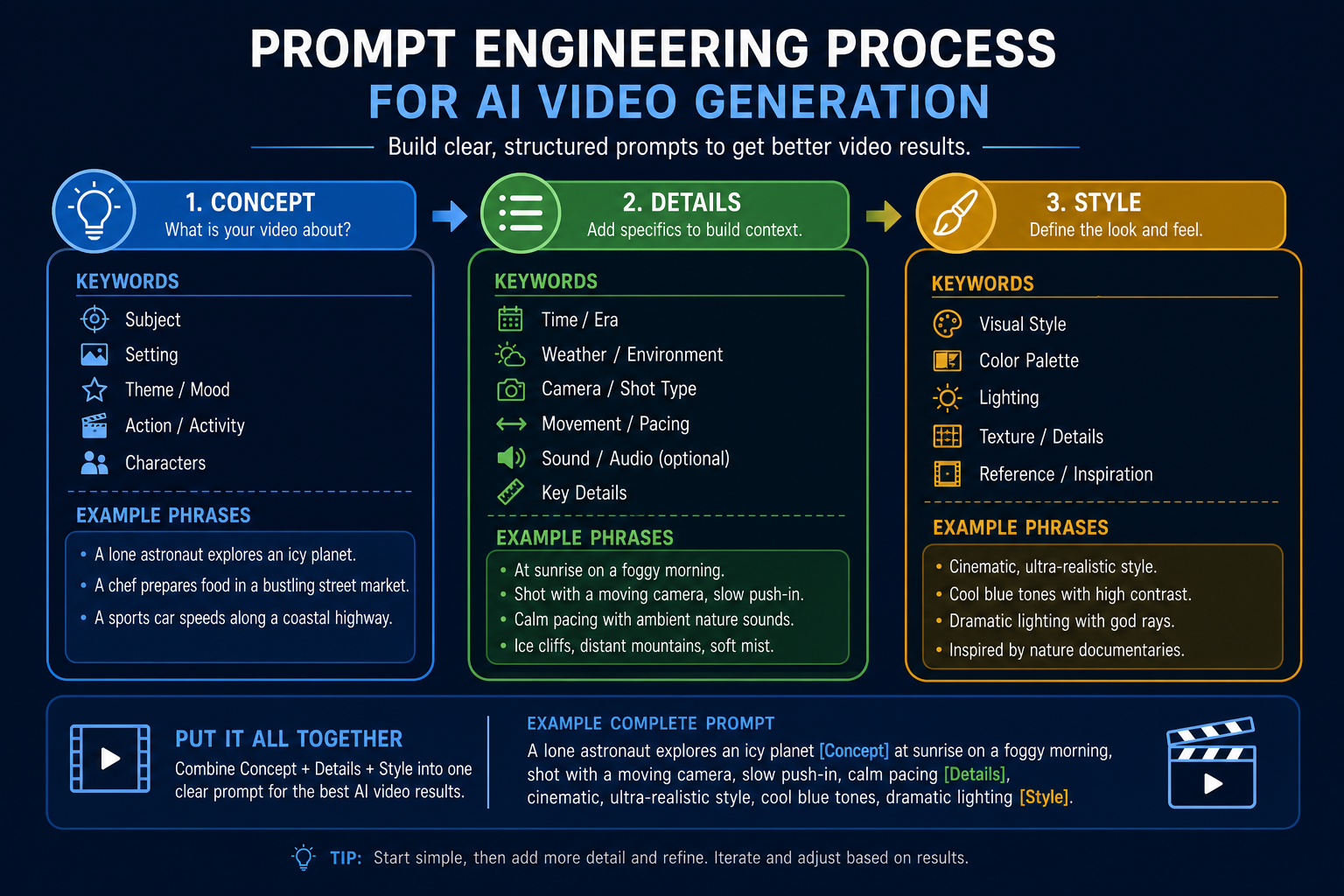
Crafting Effective Prompts
Limitations of AI Video
AI video generation is not yet perfect. You might encounter inconsistencies or unexpected results.
Kling sometimes struggles with complex or abstract concepts. Simple, direct prompts tend to work best.
The generated videos are short and may require editing. Consider using other tools to combine clips and add effects.
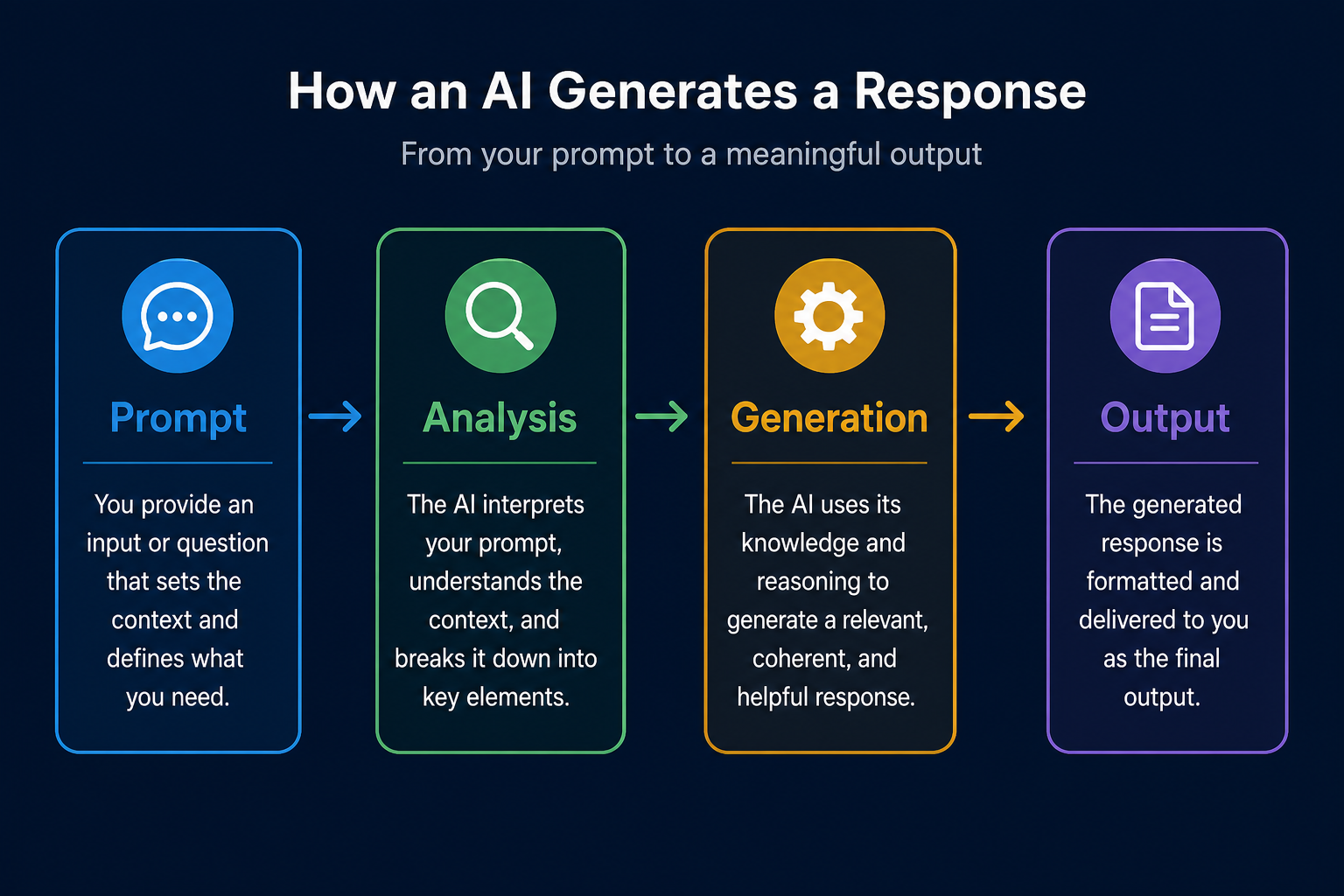
This visualisation shows how a text prompt triggers a chain of actions within Kling. Understanding this flow helps you fine-tune your prompts for better results.
Iterative Prompt Refinement
Refining your prompt iteratively leads to better results. This process of generating, evaluating and refining helps you get the desired output.
A well-crafted prompt is crucial for generating high-quality video with Kling. Specificity and clarity matter.
Kling primarily generates short video clips. Additional editing may be needed to create longer content.
Don't be afraid to experiment with different prompts and styles. The best results often come from iteration.
This video showcases the potential of Kling for creating visually stunning scenes. It demonstrates how a detailed prompt can produce a captivating result.
Generated Video Example
An example of a video generated using Kling with a refined prompt.
Refining Your Workflow
Generating video with Kling requires patience. Iterating on prompts is part of the process. Use what you learn to refine your prompts each time.
Consider incorporating Kling into a broader video production workflow. Use other tools to edit, combine, and enhance the generated clips.
Experiment with different prompts and styles to achieve creative results. The possibilities are vast as the technology improves.
If you remember only four things…
Prompt Specificity
Detailed prompts yield better results than vague ones. Include specific details about the scene, objects, and style.
Iterative Refinement
Refine your prompts based on the initial video output. Generate, evaluate, and revise for optimal results.
Short Clip Focus
Kling is best suited for generating short video clips. Additional editing is needed for longer content.
Experimentation
Don't be afraid to experiment with different prompts and styles. Creative exploration leads to new outcomes.
Test Your Understanding
Complete Kling Video Prompt
Complete the following Kling prompt template to generate a 7-second video of a golden retriever chasing a frisbee, suitable for a social media campaign.
You're generating a short video with Kling for a social media campaign. You need to specify the main subject, a key action, and the desired video length. Complete the prompt below to generate a video of a 'golden retriever chasing a frisbee' for 7 seconds, with a dynamic camera. The output should be high-quality and vibrant, suitable for an online audience. Kling Prompt: Generate: A [BLANK] chasing a [BLANK]. Dynamic camera. Style: Vibrant, realistic. Duration: [BLANK] seconds. Output quality: High.
Term Glossary
4 verified conceptsFrom Prompt to Video
You now understand how to generate video clips using Kling by crafting effective text prompts. You can now transform written ideas into engaging visual content.
Kling lets you visualise anything you can describe.
Next, we'll explore using RunwayML for more advanced video creation.
Audio lesson recap
A concise audio summary of this lesson — great for reinforcing key concepts on the go.
Hear it discussed
About three minutes on the ideas in this lesson
Sterling
AI tutor
Vivienne
Sceptical challenger
Press play to start the discussion…
Full transcript · click any line to jump
Master prompt engineering for Kling
Crafting specific and clear text prompts is crucial for generating high-quality video clips with Kling. Focus on detailing the scene, objects, and desired style to guide the AI effectively.
Iterate and refine for optimal results
AI video generation is an iterative process; generate, evaluate, and then refine your prompts based on the initial output. This continuous feedback loop helps overcome inconsistencies and achieve desired outcomes.
Integrate Kling into broader workflows
Kling excels at generating short video clips, which can then be combined and enhanced using other editing tools. Consider how these generated clips fit into your overall video production strategy.
Ask anything about Generating Video with Kling. Sterling will answer — concisely, and with his customary level of patience.